Insta360 just turned its action cameras into free 3D scanners —here's how
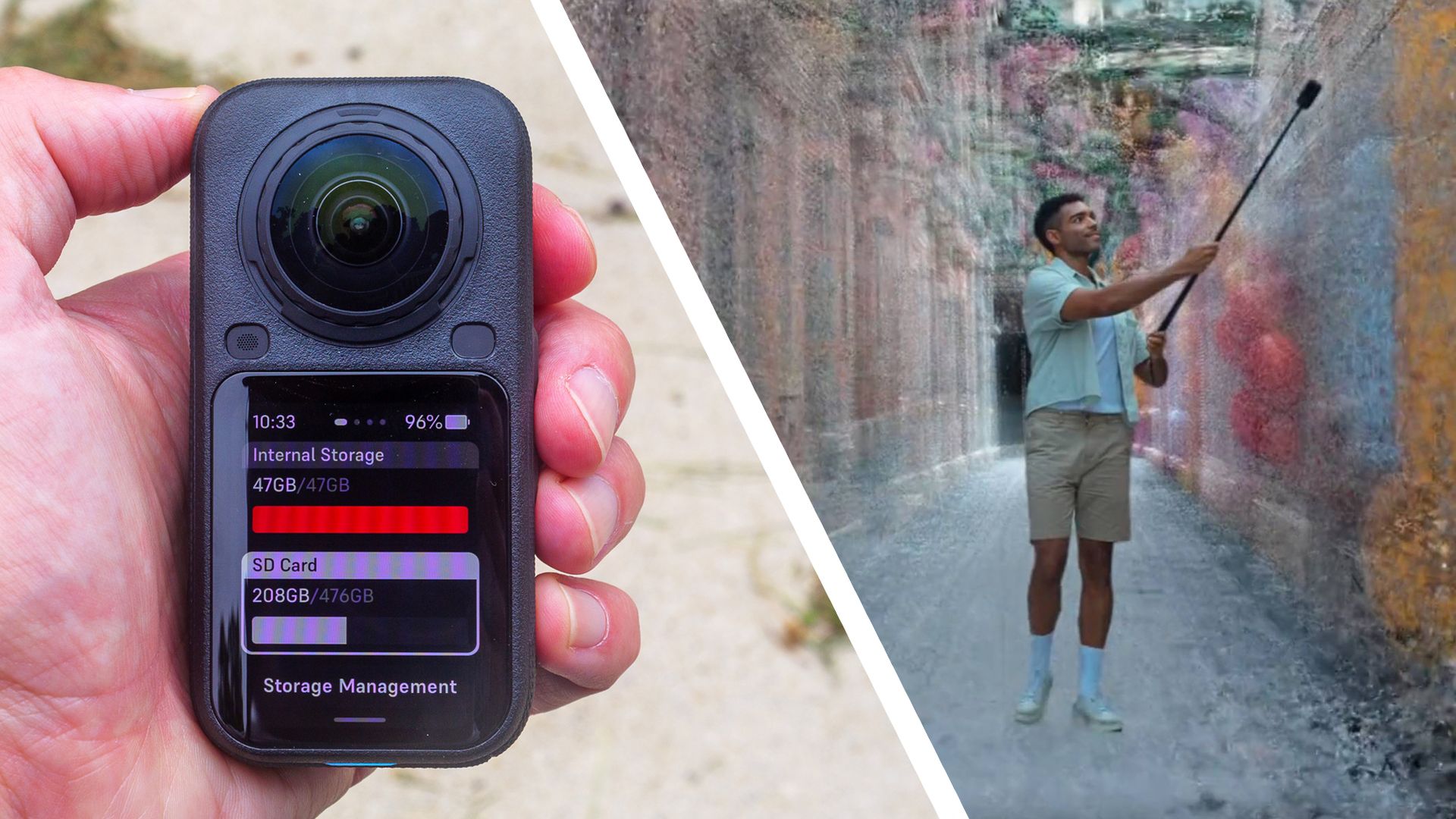
Insta360 Spatial Capture creates navigable 3D environments from 360 videos It's compatible with Insta360 X4 Air, X5 and X6 cameras and created via the Insta360 app Users get four free renders a month Insta360 has launched Spatial Capture, a free feature that turns 360 video into a detailed 3D model
<![CDATA[ <article> <ul><li><strong>Insta360 Spatial Capture creates navigable 3D environments from 360 videos</strong></li><li><strong>It's compatible with Insta360 X4 Air, X5 and X6 cameras and created via the Insta360 app</strong></li><li><strong>Users get four free renders a month</strong></li></ul><p>Insta360 has launched Spatial Capture, a free feature that turns 360 video into a detailed 3D model of a real space that you can move around in. </p><p>The feature is still in beta, but it’s available now for the Insta360 X6 via the latest camera firmware and Insta360 app. And it isn’t limited to Insta360’s newest camera, either: according to the user guide Insta360 shared with me, it works with any of the company’s 360 cameras that can shoot 5.7K video at 30fps or above, including the X4 Air and X5.</p><p>Spatial Capture is built on a technique called 3D Gaussian Splatting (3DGS). Software analyzes your footage to work out where the camera was at each moment, then rebuilds the scene from millions of tiny, semi-transparent blobs, each one sized, colored and positioned to recreate a fragment of the environment. </p><p>The result is a photorealistic 3D scene that can be viewed from angles the camera never actually occupied. 360 cameras are ideal capture tools for this, because they record a space from every direction at once and leave fewer blind spots for the software to fill.</p><div class="youtube-video" data-nosnippet ><div class="video-aspect-box"><iframe data-lazy-priority="high" data-lazy-src="https://www.youtube-nocookie.com/embed/HOBZMKxbHKw" allowfullscreen></iframe></div></div><p>I’ve experimented with Gaussian splatting before, using a cloud platform called Splatica to <a href="https://www.techradar.com/cameras/i-turned-my-local-beauty-spot-into-an-immersive-3d-environment-using-splatica-and-my-insta360-cameras-and-the-whole-process-is-surprisingly-easy">turn my living room and a local lighthouse into immersive 3D scenes</a> with an Insta360 X5 and an Antigravity A1 drone. The results were impressive enough that I can see why the technique has caught on, and it’s even possible to <a href="https://www.techradar.com/computing/printers-scanners/the-modern-version-of-a-fly-trapped-in-amber-3d-printing-your-gaussian-splat-is-one-of-the-most-amazing-things-ive-seen-in-a-long-time">3D print a splat</a>, freezing a real place in resin like an insect trapped in amber.</p><p>The catch with Splatica is the cost. It’s subscription-based, and its cheapest Basic plan costs $49.95 a month (discounted to $34.95 a month for the first two months). That converts to around £40 / AU$70 a month (or £30 / AU$50 with the discount) and gives you 300 points, which is enough to process roughly one five-minute video. </p><p>The Pro and Studio plans cost $149.95 a month (about £110 / AU$220) and $299.95 a month (around £230 / AU$430) respectively, and extra points cost between 18 and 25 cents each depending on your plan. Insta360's Spatial Capture, by contrast, gives you four free generations a month, with the allowance resetting on the first of each month.</p><p>Insta360 is upfront about the trade-offs, though. According to the company, Splatica produces higher-quality results and is better suited to professional and enterprise users, while Spatial Capture is more intended for casual users. </p><p>Insta360 also claims Spatial Capture renders a two-minute video in one to two hours, compared to around eight hours for Splatica. My own Splatica scenes took a few hours to process (I uploaded one in the afternoon and checked back the next morning).</p><h2 id="how-it-works">How it works</h2><p>Creating a Spatial Capture scene is simple enough, in theory. You record a video of two minutes or less (Insta360 says it will lift this limit in future, though it hasn’t said when), connect the camera to the Insta360 app, open the Spatial Capture tab, tap Create My Space and select your clip. </p><p>Processing then happens in the cloud. Insta360 recommends shooting in 8K at 30fps for the best results, in either PureVideo or standard video mode (footage shot with the I-Log color profile or with filters applied isn’t supported).</p><p>Insta360 also recommends shooting well-lit indoor spaces, keeping the number of people in frame to a minimum, and limiting your capture area to 100 square meters (about 1,076 square feet). So unlike Splatica, which happily handled my drone flight around Ramsgate’s harbor lighthouse, Spatial Capture looks designed for rooms rather than landscapes or large outdoor locations.</p><p>Once a scene has been processed, you can explore it in the Insta360 app or share it via a link. Anyone who opens the link can view the scene in their web browser, without having to download an app. There’s currently no way to export scenes as files, though, whereas Splatica lets you download yours in PLY format for use in other 3D software.</p><figure class="van-image-figure inline-layout" data-bordeaux-image-check ><div class='image-full-width-wrapper'><div class='image-widthsetter' style="max-width:2560px;"><p class="vanilla-image-block" style="padding-top:56.25%;"><img id="V8AsdHRT9j5jHpZSymAF5Q" name="X6 Black Outdoor 1" alt="A couple capturing footage with the Insta360 X6 against the backdrop of a lake" src="https://cdn.mos.cms.futurecdn.net/V8AsdHRT9j5jHpZSymAF5Q-1920-80.jpg" mos="" align="middle" fullscreen="" width="2560" height="1440" attribution="" endorsement="" class="inline"></p></div></div><figcaption itemprop="caption description" class=" inline-layout"><span class="credit" itemprop="copyrightHolder">(Image credit: Insta360)</span></figcaption></figure><p>I’ve had mixed luck so far. I recorded a test clip on my X6, but it failed to upload twice. The app did warn me that my phone (an iPhone 15, hardly an antique) might not be up to the task, which is puzzling given that the heavy lifting happens in the cloud rather than on the device. It’s worth bearing in mind if your phone is a few years old, even if it’s also the kind of teething problem you’d expect from a beta. </p><p>Either way, it’s a welcome freebie for owners of a camera I already rated highly. In my <a href="https://www.techradar.com/cameras/360-cameras/insta360-x6-review">Insta360 X6 review</a>, I called it the new 360 camera to beat, albeit one that comes at a pretty steep price. A free route into 3D scanning goes some way toward providing more value for money.</p><div data-widget-type="merchantlink" data-model-name="Insta360 X6"></div> </article> ]]>
Read the full article on TechRadar
Read Full Article →